An email signature with a digital business card: a practical guide

If you send twenty emails a day, your signature is displayed more than four hundred times a month. It is one of the most repeated touchpoints a business has, and it is almost always wasted: a phone line, a smeared logo, and sometimes five social icons nobody clicks. A good signature does one thing. It gives one entry point worth clicking.
One link beats five
A signature with six links does not create six opportunities, it creates hesitation and then no clicks at all. When there is one clear destination, and that destination already holds the phone, the WhatsApp, the site, the gallery and the option to save you to contacts, there is nothing to choose between and something worth tapping. It also solves the problem every business owner knows: you change a number or add a service, and every old email keeps pointing at the right information, because the link is one and the content behind it moves.
What belongs in a signature
- Full name and role: two words, not a marketing headline.
- Business name: as text, not only as a logo.
- One phone number: the one you actually answer.
- One link to the card: with text that says what is there, for example "my digital business card".
That is all. Everything beyond it lowers the chance of a click on what matters. If a confidentiality notice is legally required, put it below everything else in a smaller size.
Why images in a signature do harm
A logo image looks good on your screen and awkward on the recipient's. Many mail clients block images by default, so instead of a logo they see a broken rectangle. Images also enlarge the message, arrive as attachments in some systems, and raise the odds the email reads as marketing. A clean text signature with one link looks identical everywhere and never breaks.
And a QR code in a signature?
Usually not. Someone reading email on a phone cannot scan a QR on the same screen they are looking at, which is why most QR codes in email signatures are never scanned. QR belongs to the physical world: a sign, a vehicle, a menu, a printed card. In email, a text link is simply the right tool.
And how you know it works
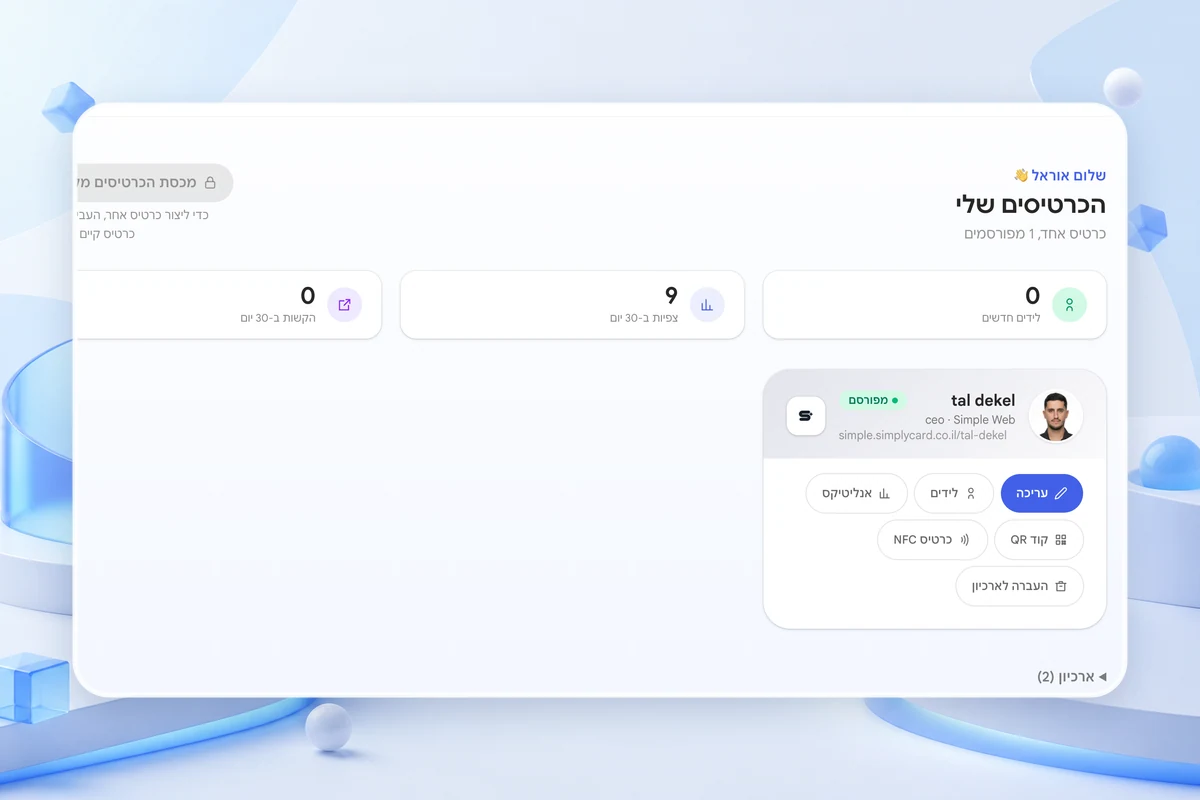
This is the part most people skip. The card has analytics showing how many people arrived and what they tapped, so you can see whether the signature brings real traffic or just looks professional. If a month passes with no visits from it, the problem is almost always the wording: "my digital business card" gets clicks, a long naked web address does not.
One link that holds every detail
Build a card for free and get a permanent address for your signature that updates itself when something changes.
Create a cardBy signing up or logging in you agree to the Terms of Service and the Privacy Policy.
Frequently asked questions
Where do I set a signature in Gmail or Outlook?
In both it is under settings, in the signature section: in Gmail through the gear icon and then see all settings, in Outlook under file and options. Set it for new messages and for replies, because most people forget the second one.
Should the link appear in replies too, not just new messages?
Yes, but in a shortened form. In a long thread a full signature repeats ten times and weighs the conversation down. One line with a name and a link is enough in replies.
Is it better to link to my site or to my card?
It depends what you want to happen. A site suits deep reading; a card suits getting contacted or being saved. For most freelancers and small businesses the card is the more practical destination.
The SimplyCard team
Digital business card specialists
We build SimplyCard, a simple way for small businesses to create a professional digital business card. We write about first impressions, practical marketing and turning introductions into customer enquiries.