Taking payment from the card: how it works and when it fits
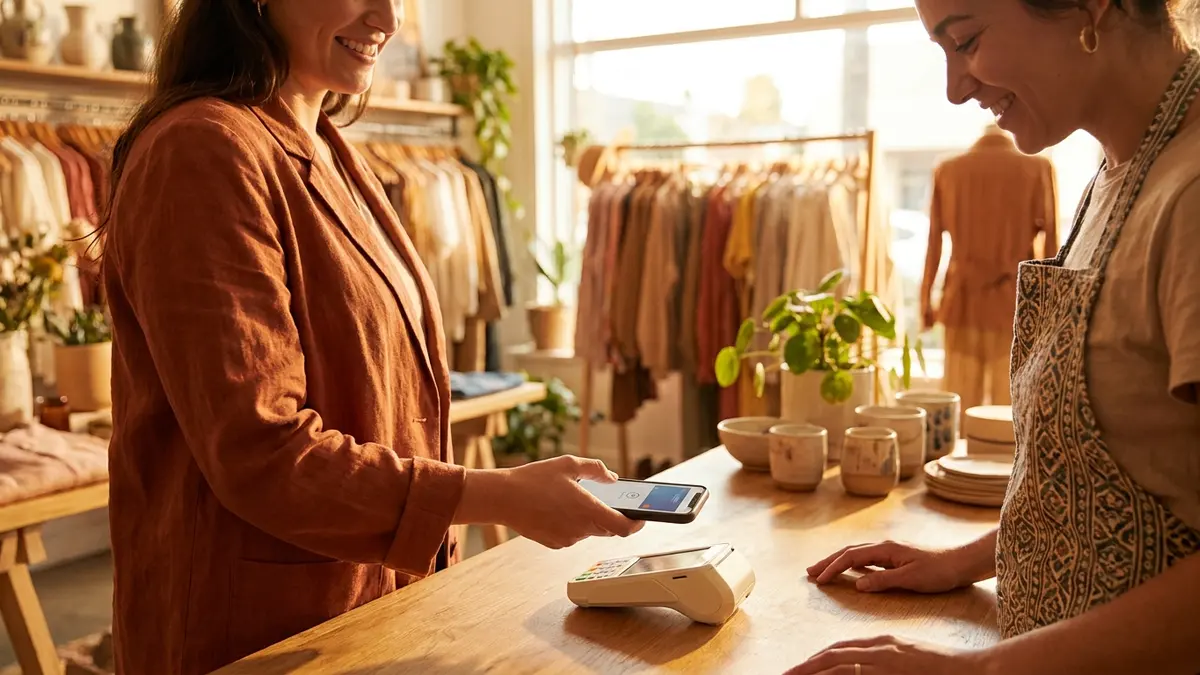
There is a short window in which a customer is ready to pay: right after you finish the work, or right after you agree on the phone. If at that moment they have to ask how to pay, wait for an answer, and then go looking for the app, a meaningful share of those payments slide to another day. The idea is simple: the answer to "how do I pay you" should already be on the card, before it is asked.
How it works on the card
On the card you can mark which payment methods you accept, and they are shown to the visitor as a clear list. Each method you enable can also carry your own payment link, which turns it from a label into a button worth pressing. It is not required: a method without a link stays a label saying "yes, you can pay this way", and that on its own is a useful answer.
It is important to be precise here: the link is yours, not ours. We do not process payments, we do not hold money and we take no commission on a payment made through the card. You paste the link you already got from the provider you work with, and the money goes straight to you through them, exactly as it would if you had sent the link in a message.

When it genuinely helps, and when less so
It helps most when the amount is known in advance and consistent: a lesson fee, a treatment price, a call-out charge, a fixed deposit. It helps less when every job is priced separately, where a general payment link can even confuse. Trades with variable work are usually better showing the payment methods only, and sending an exact payment request once a figure is agreed.
What to check before publishing a link
- That the link belongs to your business account, not an old personal one.
- That it has not expired: some providers issue single-use payment links that lapse.
- That the amount is right, or open, whichever you intended. A link with the wrong amount is worse than no link.
- That you tested it on another phone: tap it as a customer would, not as the owner.
- That you know what happens about a receipt: issuing an invoice is a separate obligation and is not part of the card.
And what about invoicing
The card shows payment methods and leads to your link. It does not issue an invoice and reports nothing to any authority; that responsibility stays with you and with whatever invoicing software you use. We say so explicitly because it is a question people ask, and a vague answer to it would sound like a promise we are not making.
Let the card answer "how do I pay"
Build a card for free, mark your payment methods and attach a link if you have one. You only pay when you publish.
Create a cardBy signing up or logging in you agree to the Terms of Service and the Privacy Policy.
Frequently asked questions
Do you take a commission on payments made through the card?
No. The link is yours, the money moves through your provider straight to you, and we are not a party to the transaction. The only fee you pay is your provider's.
Can I show payment methods without a link?
Yes, and it is what most businesses choose. The method appears as a label saying what you accept, with no button, and that is enough to answer the question in advance.
Is it safe to put a payment link on a public page?
A payment link is designed to be sent to customers, so publishing it exposes nothing sensitive. Still, make sure the link contains no account details or personal identifiers, and check it the way a customer would see it.
The SimplyCard team
Digital business card specialists
We build SimplyCard, a simple way for small businesses to create a professional digital business card. We write about first impressions, practical marketing and turning introductions into customer enquiries.