Turn Any Printed Surface into a Smart Contact Point with QR
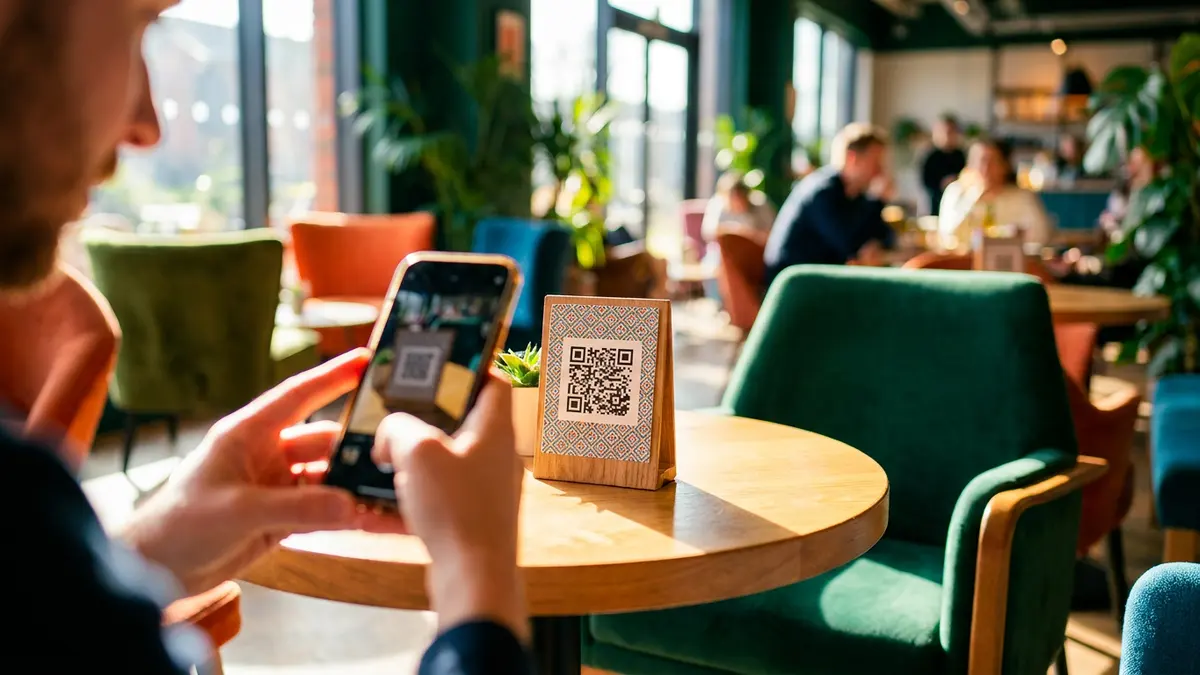
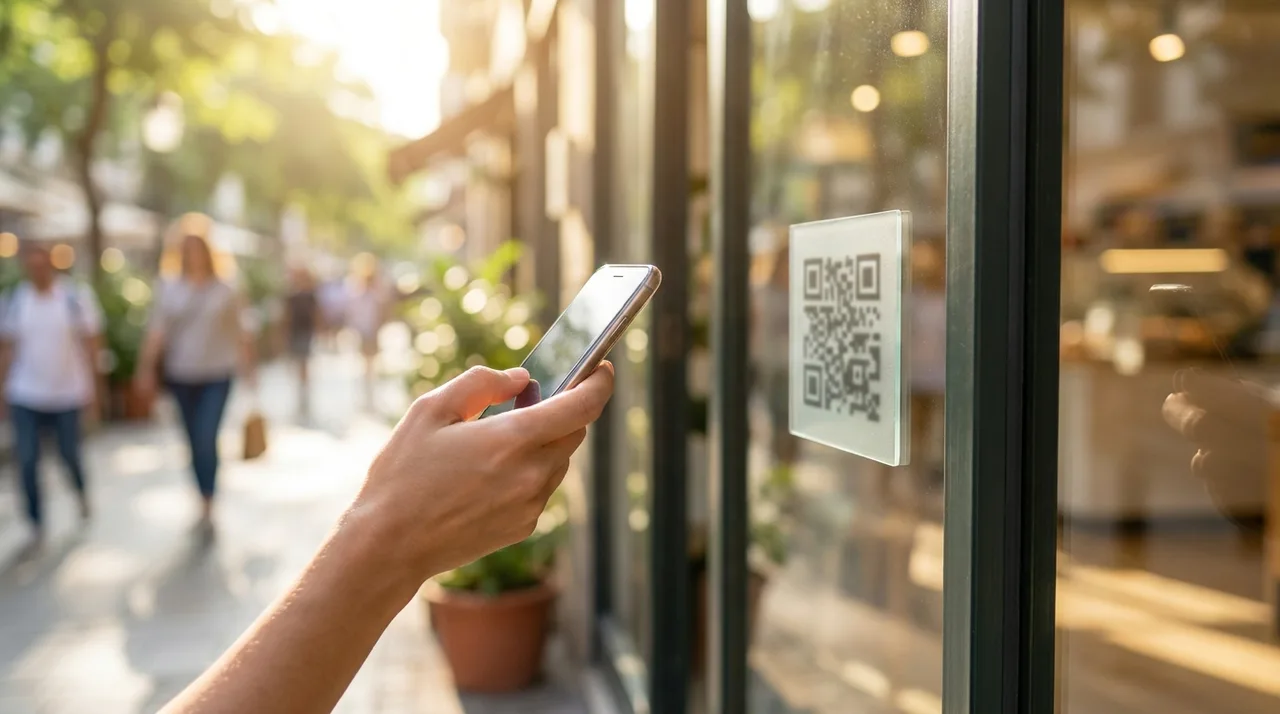
A QR code is a low-cost bridge between print and a customer phone: point the camera, tap the notification and open the destination without typing. When the destination is a digital business card, the printed code can lead to current information, one-tap actions and measurable visits for years.
What a QR code does
A QR code stores a short piece of data, usually a web address, in a pattern a phone camera can read. Modern iPhone and Android cameras recognize it without a dedicated scanning app, making it familiar enough for counters, packaging, signs and printed cards.
Why it should open a digital card
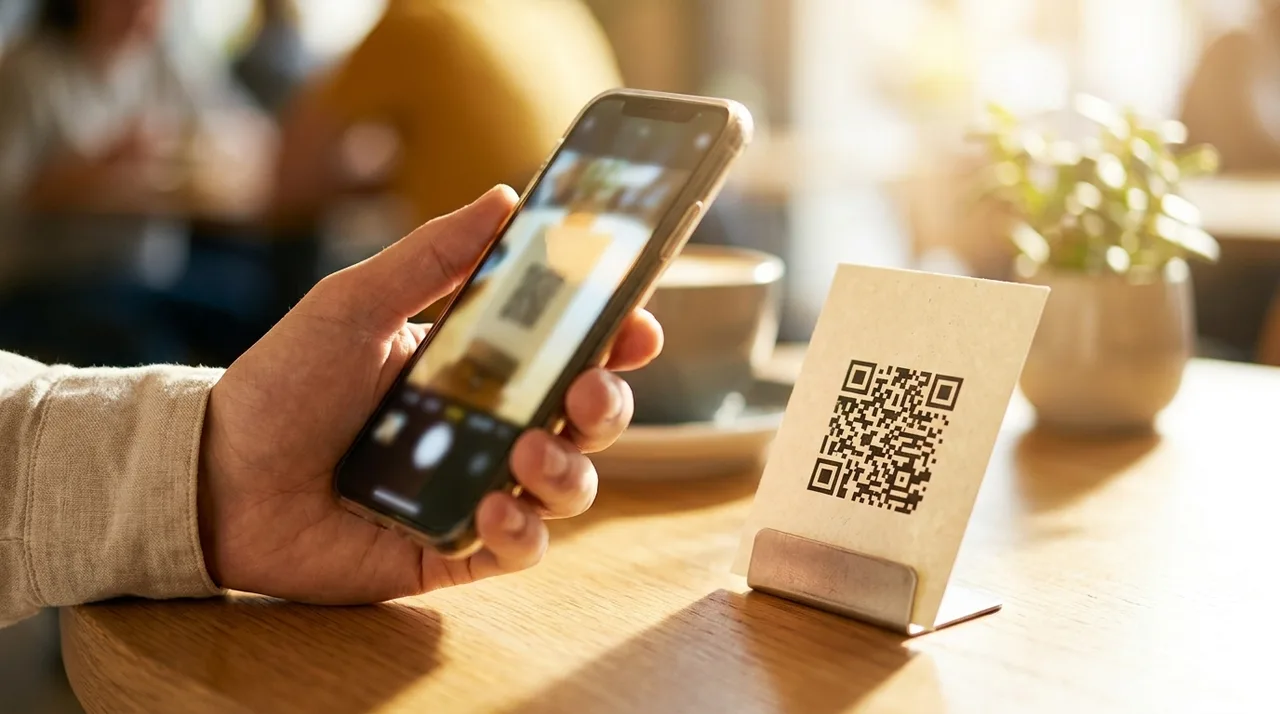
Printing a phone number or encoding fixed contact text locks the information into the physical item. Encoding the stable URL of a digital card separates the entry point from the content. You can change a number, service or opening hour later without replacing the printed QR code.
Eight useful places for the code
- Printed business cards and appointment cards.
- A counter or reception sign.
- Invoices, proposals and delivery notes.
- Product packaging and thank-you inserts.
- Vehicle graphics and service equipment.
- Event booths, name badges and presentation slides.
- Construction or project signage.
- Menus, brochures and window displays.
Printing rules: size, contrast and distance
Use a dark code on a quiet light background with clear empty space around all four sides. About 2×2 cm is a practical minimum for close-range print. For distance, make the code roughly one tenth of the expected scanning distance. Test the final physical proof with several phones before producing a full batch.
More on SimplyCard: the physical NFC card, solutions for companies and teams, and the FAQ.
Want a QR code already connected to your card?
Every SimplyCard receives its own print-ready QR code. Update the digital card whenever needed while the printed code keeps working.
Create your cardBy signing up or logging in you agree to the Terms of Service and the Privacy Policy.
Static and dynamic QR: avoid unnecessary dependency
A direct QR code that contains your permanent card URL needs no paid redirect service. Some “dynamic QR” providers insert their own redirect and disable it when a trial ends. If the destination page itself is editable, a direct code already gives you the update flexibility most businesses need.
Where NFC fits
NFC opens the same page when a compatible phone taps a physical card. It feels faster in face-to-face meetings, while QR is more universal, visible and suitable for signs. A physical NFC card should carry both so the visitor can choose.
Five mistakes that destroy scan rates
- Printing too small for the expected distance.
- Using low contrast or placing the code over a busy photograph.
- Removing the clear margin around the pattern.
- Sending visitors to a desktop page that is difficult to use on mobile.
- Depending on a redirect URL that may expire or be disabled.
Frequently asked questions
Do I need to pay for a QR-code generator?
No. Encoding a normal web address is free. Be cautious with services that place a paid redirect between the printed code and your page, because the code may stop when the subscription ends.
What happens after I update the card?
Nothing needs to change in print. The QR code still opens the same URL, and that page immediately displays your updated content.
Does scanning require a special app?
No on current iPhone and Android devices. Open the standard camera, point it at the code and tap the link notification.
What is the minimum print size?
Use about 2×2 cm for close scanning and increase the code in proportion to distance. When space allows, larger is safer.
The SimplyCard team
Digital business card specialists
We build SimplyCard, a simple way for small businesses to create a professional digital business card. We write about first impressions, practical marketing and turning introductions into customer enquiries.