A Business Card for WhatsApp: One Message That Keeps Working
The short answer is simple: send a business card on WhatsApp as a live link, not as an image or PDF. A link opens immediately, remains current and makes every action clickable, including calling, navigation and saving a contact. A digital business card turns one ordinary message into a reusable path from conversation to enquiry.
Why WhatsApp is such an important business channel
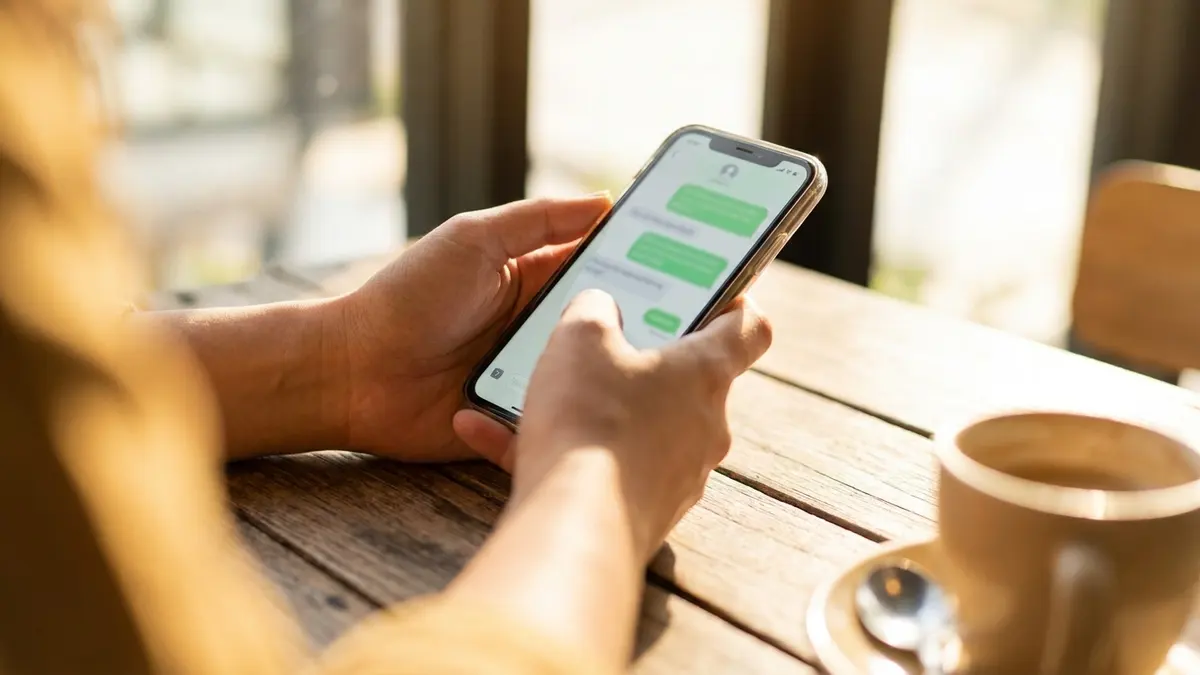
Customers use WhatsApp because it is immediate and familiar. They ask a question, compare options and return to the same conversation later. A card link fits this behavior: it gives context without forcing you to send several images, phone numbers and social links in separate messages.
Link, image or PDF: why the link wins
- A screenshot cannot call, navigate or save your details.
- A PDF adds a download step and is awkward on a small screen.
- A live link opens in the browser and every action works immediately.
- When information changes, the same old message still opens the updated card.
Use a reusable opening message

Save a short template in WhatsApp Business: “Thanks for getting in touch. Here is my digital card with contact details, examples and the fastest way to reach me: [link].” Keep the promise specific so the customer knows why opening the link is useful.
More on SimplyCard: the physical NFC card, solutions for companies and teams, and the FAQ.
Want a link you can send today?
Build a SimplyCard with WhatsApp, contact saving and lead collection in minutes. Once it is live, paste the same link wherever customers contact you.
Build your cardBy signing up or logging in you agree to the Terms of Service and the Privacy Policy.
Use it beyond individual messages
Add the URL to the website field in your WhatsApp Business profile, saved quick replies and greeting message. Share it in a status when you launch a service or publish new work. This makes the card discoverable even before you reply personally.
Connect walk-in visitors with a QR code
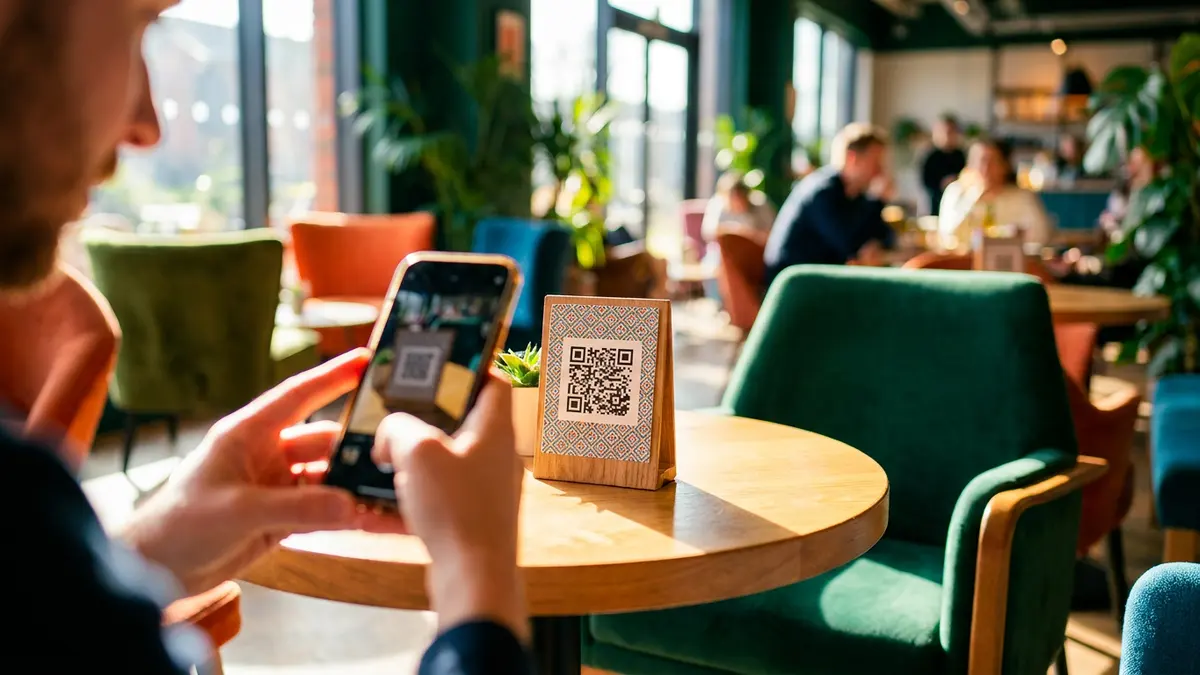
Print the card QR code on a counter sign, invoice or packaging. A visitor can scan it and then open WhatsApp from the card, so the physical interaction continues in the same conversation channel.
Know what happened after you sent it
Card analytics can show total visits, action-button taps and submitted leads. The goal is not to identify individual visitors; it is to learn whether people open the card, which actions they prefer and which sharing habits create enquiries.
One message, one complete business introduction
A WhatsApp business card works because it reduces effort for both sides. You send one stable link, and the customer receives a current, structured page with a clear next action.
Frequently asked questions
Should I send a link or an image of the card?
Send the link. An image has no working call, navigation or save-contact actions. A live link is interactive and continues to show updates after the original message was sent.
Does the customer need an app?
No. The link opens as a normal web page inside the phone browser, with no download or registration.
Can I put the link in my WhatsApp Business profile?
Yes. Add it to the website field and reuse it in greeting messages and quick replies so customers can open the card before you answer.
How can I know whether people opened it?
The SimplyCard dashboard reports card-level visits, button taps and submitted leads. It provides useful aggregate behavior without identifying a specific WhatsApp contact.
The SimplyCard team
Digital business card specialists
We build SimplyCard, a simple way for small businesses to create a professional digital business card. We write about first impressions, practical marketing and turning introductions into customer enquiries.