A Digital Business Card That Helps Interior Designers Win Clients
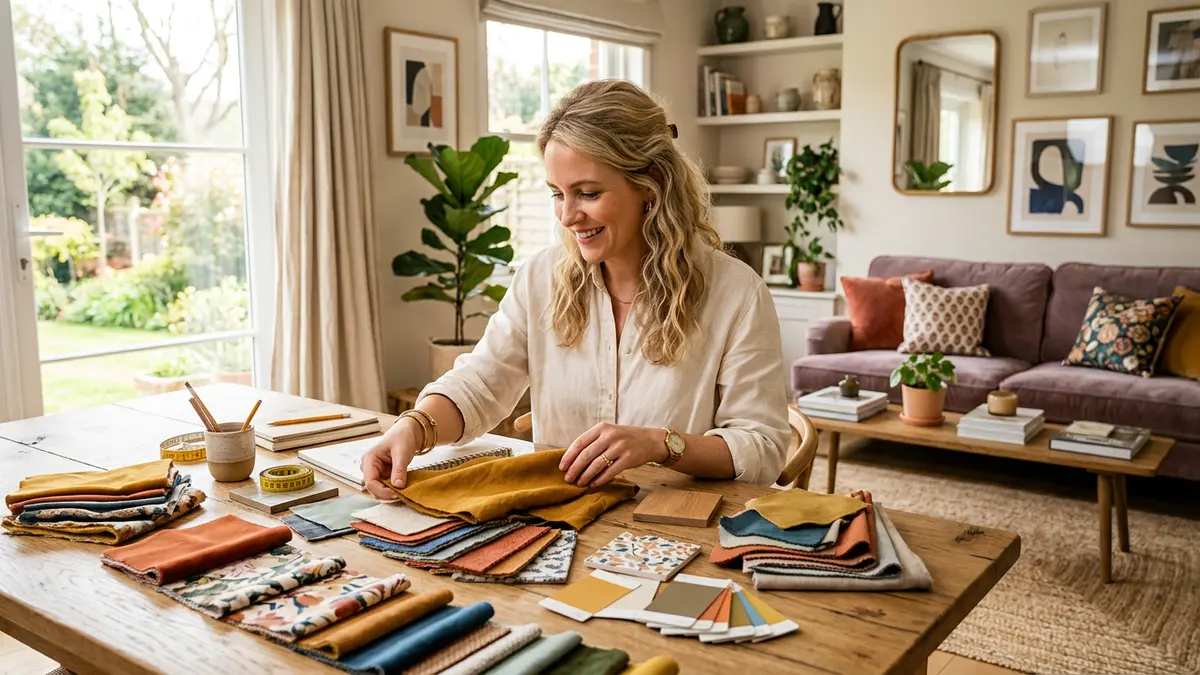
An introduction gives an interior designer only a few seconds to communicate taste, confidence and professionalism. Princeton research found that people form impressions of trustworthiness in around 100 milliseconds. A digital business card turns that brief moment into a useful next step: one link opens your selected work, client reviews and every contact action without asking the client to search for you later.
Why paper cards undersell design work
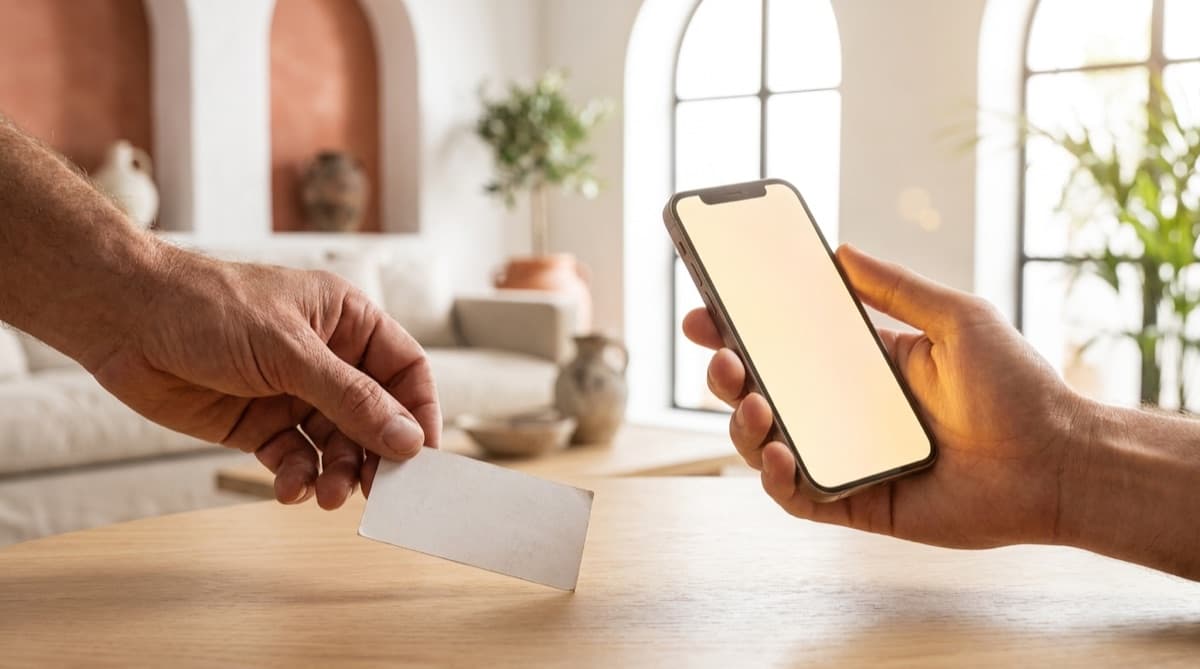
A paper card can carry a name, title and phone number, but it cannot demonstrate spatial thinking, materials or the quality of a finished project. It can also be lost, run out or become inaccurate after one detail changes. In a visual profession, that static format leaves the most persuasive evidence behind.
- No portfolio: the client still has to search for your website or social profile.
- Static information: a new studio address or phone number makes the printed batch obsolete.
- Unnecessary friction: people must type numbers, copy links and remember where they put the card.
- No measurement: you cannot see whether an introduction led to a visit, click or enquiry.
A focused portfolio that works around the clock
A good digital card is not a miniature corporate website. It is a focused mobile page designed to answer the questions a prospective client has immediately: Who are you? What kind of spaces do you design? Can I trust you? How do I contact you? Keeping those answers together makes the path from interest to enquiry much shorter.
Show selected work immediately
Use a short gallery of your strongest and most relevant projects. Six excellent images are more convincing than thirty mixed ones. Add a brief caption when the context matters, such as the project type, scope or design challenge.
Build trust before the first call
Interior design involves meaningful budgets and personal spaces. Two or three specific client reviews, a clear professional title and consistent branding reduce uncertainty before the client contacts you.
Give the client one-tap actions
Place the most useful actions near the top: call, WhatsApp, email, directions and save contact. The page should make the next step obvious instead of presenting a long menu of equally important links.
The anatomy of an effective interior designer card
- A strong project image, professional portrait or clear logo.
- A specific positioning line, such as “warm minimalist homes” or “boutique hospitality interiors.”
- Four or five primary contact actions above the fold.
- A concise introduction explaining your approach and ideal projects.
- A curated gallery, client reviews and a short lead form.
- Accessible contrast, readable type and descriptive image text.
Want all of that in one card?
SimplyCard includes galleries, reviews, contact actions and lead collection in one guided editor. Build the first version in minutes, without code or a designer.
Create your cardBy signing up or logging in you agree to the Terms of Service and the Privacy Policy.
Share it wherever a client meets your work
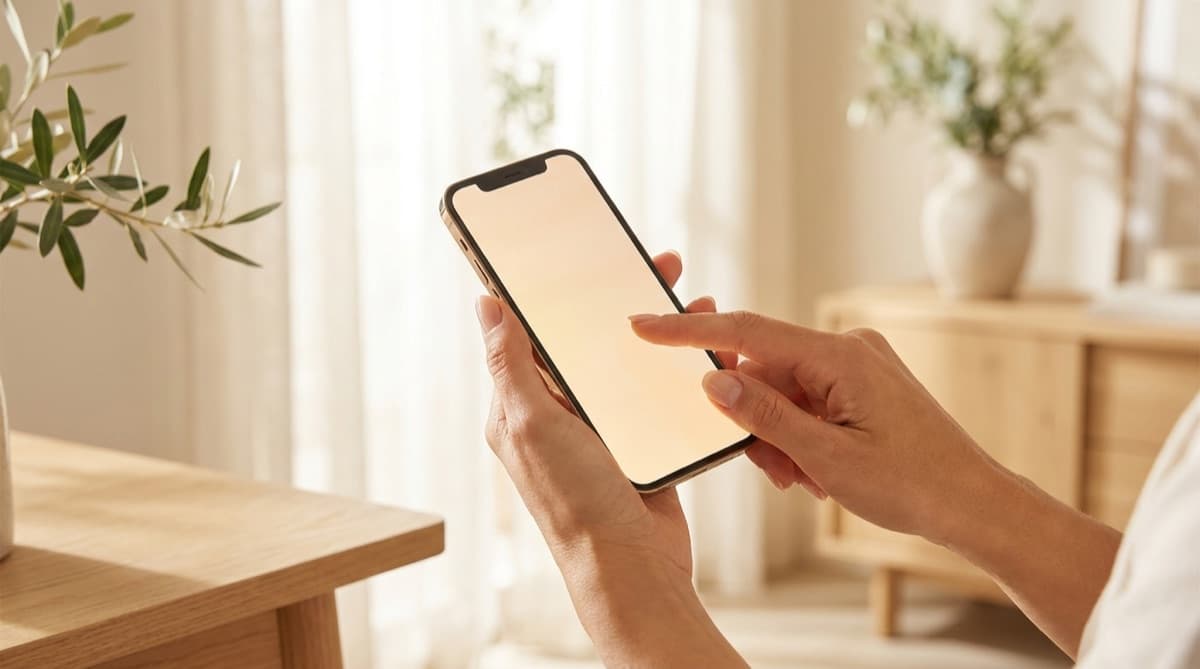
Add the link to your email signature, WhatsApp Business profile and enquiry replies. Put its QR code on project signs, proposals and printed leave-behinds. After a call, send the card with one sentence explaining what the client will find there. Consistent distribution matters more than sending it once.
Make the first impression continue working
The purpose of a digital business card is not to look technological. It is to preserve the momentum of a good introduction. When your best work, proof and contact actions are available in one polished page, prospective clients have fewer reasons to postpone the next step.
Frequently asked questions
Do I need a digital business card if I already have a website?
Yes. A website serves broad research and search traffic, while a digital card is a focused tool for introductions, meetings and WhatsApp conversations. The card can link to the full website when a client wants more detail.
Can I update the card after sharing it?
Yes. Update projects, contact details or opening hours in the dashboard and the same shared link shows the new information. There is no need to print or resend a new card.
Will less technical clients know how to use it?
The card opens as an ordinary web page from a link or QR scan. It requires no app or account, and its main call, WhatsApp and save-contact buttons are designed to be clear and direct.
The SimplyCard team
Digital business card specialists
We build SimplyCard, a simple way for small businesses to create a professional digital business card. We write about first impressions, practical marketing and turning introductions into customer enquiries.